Flow through your desktop.
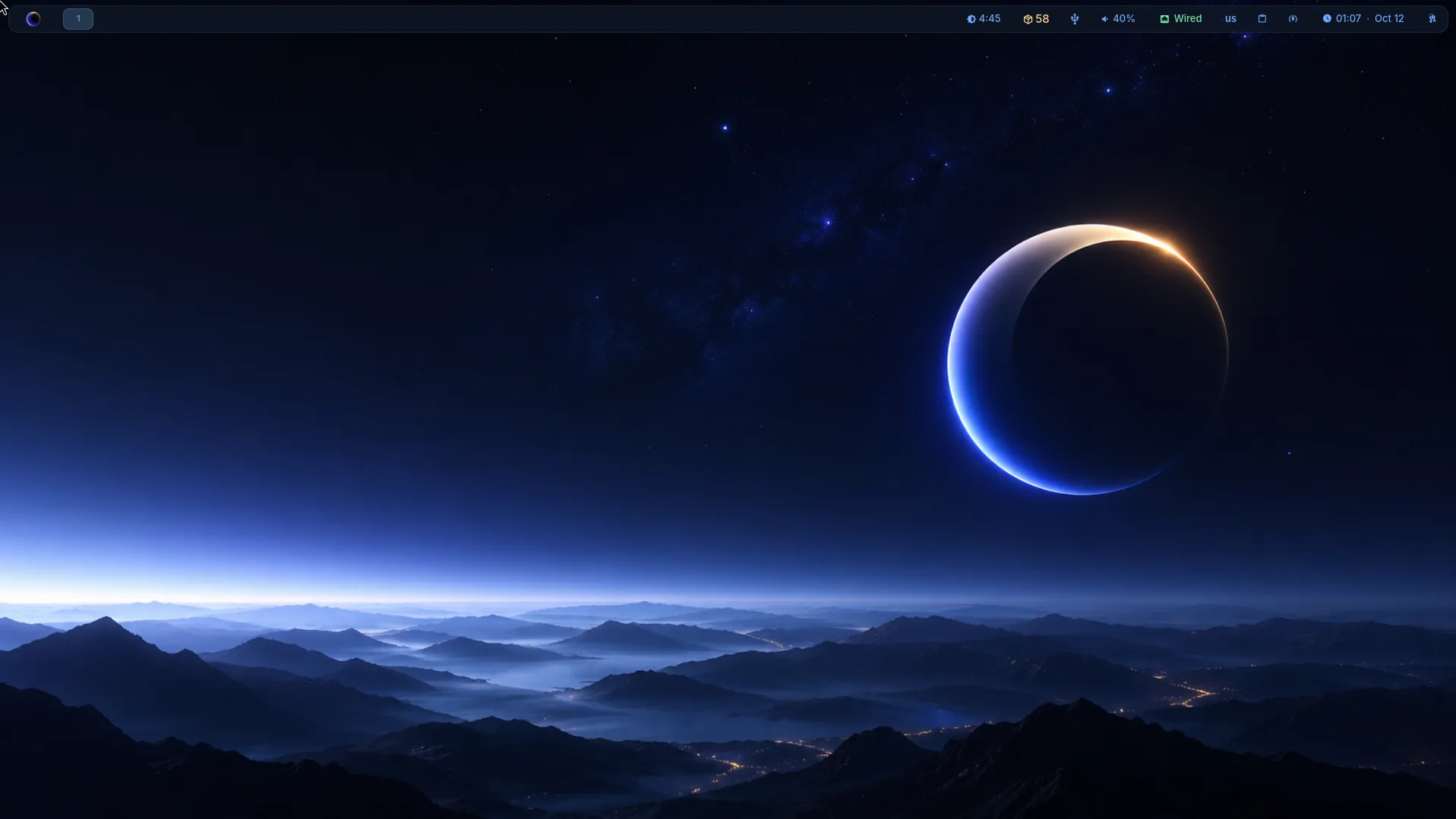
LumaOS is a Wayland-first Linux distribution built around the Niri scrollable-tiling compositor. Speed, elegance, and a deep-space aesthetic — crafted as a cohesive whole.
LumaOS is a Wayland-first Linux distribution built around the Niri scrollable-tiling compositor. Speed, elegance, and a deep-space aesthetic — crafted as a cohesive whole.
Every component in LumaOS is chosen with intention. No bloat. No compromise.
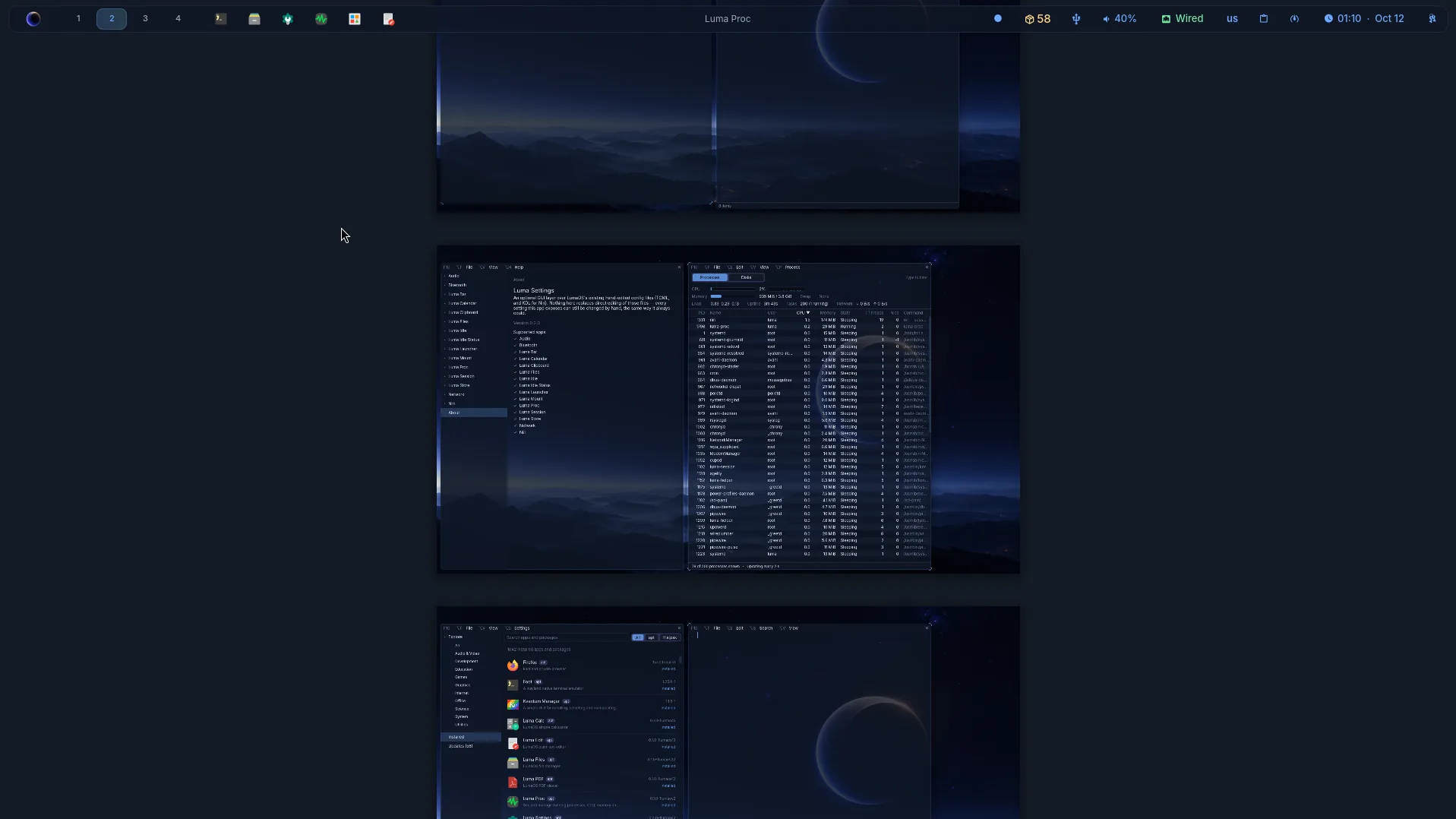
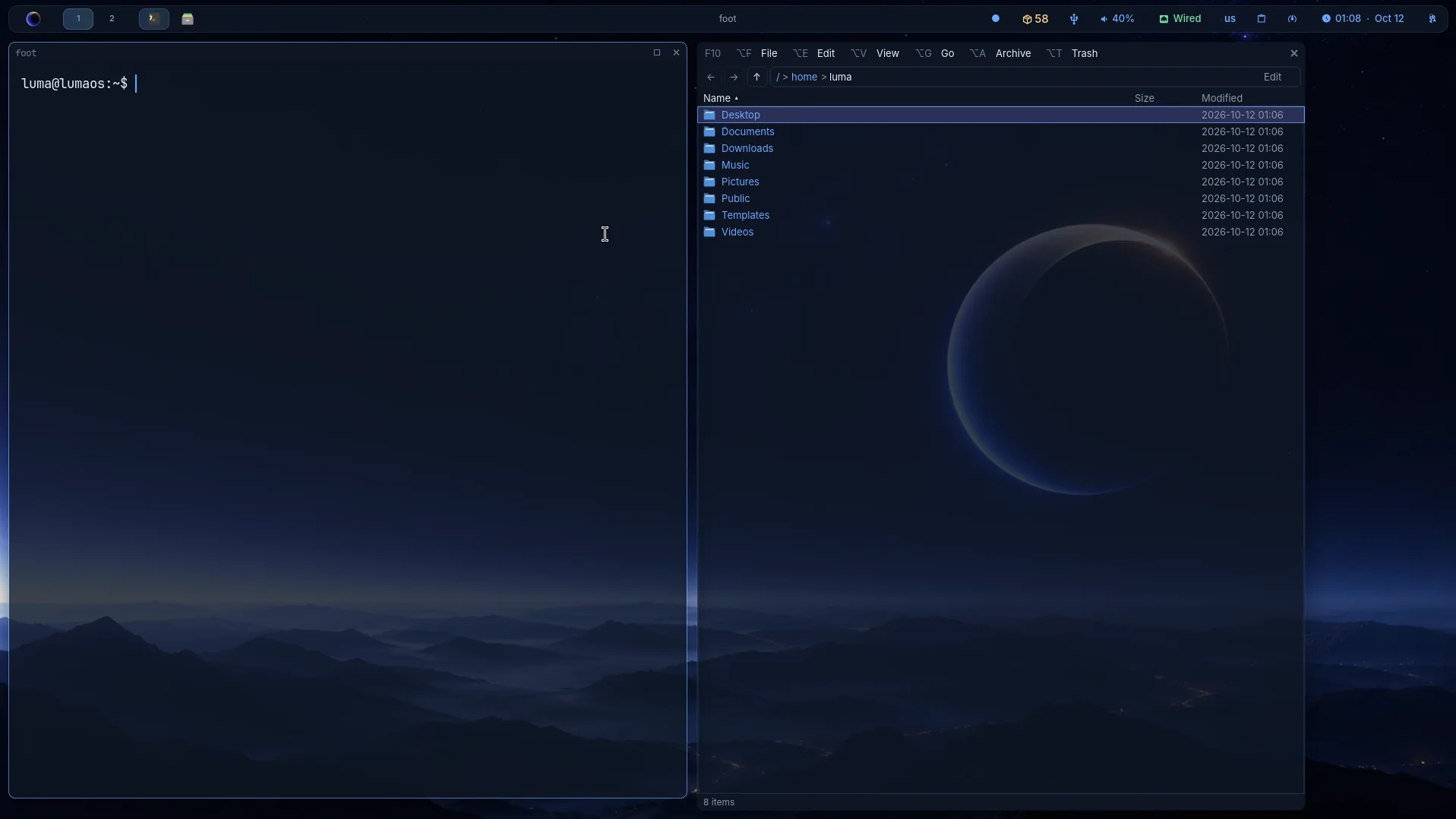
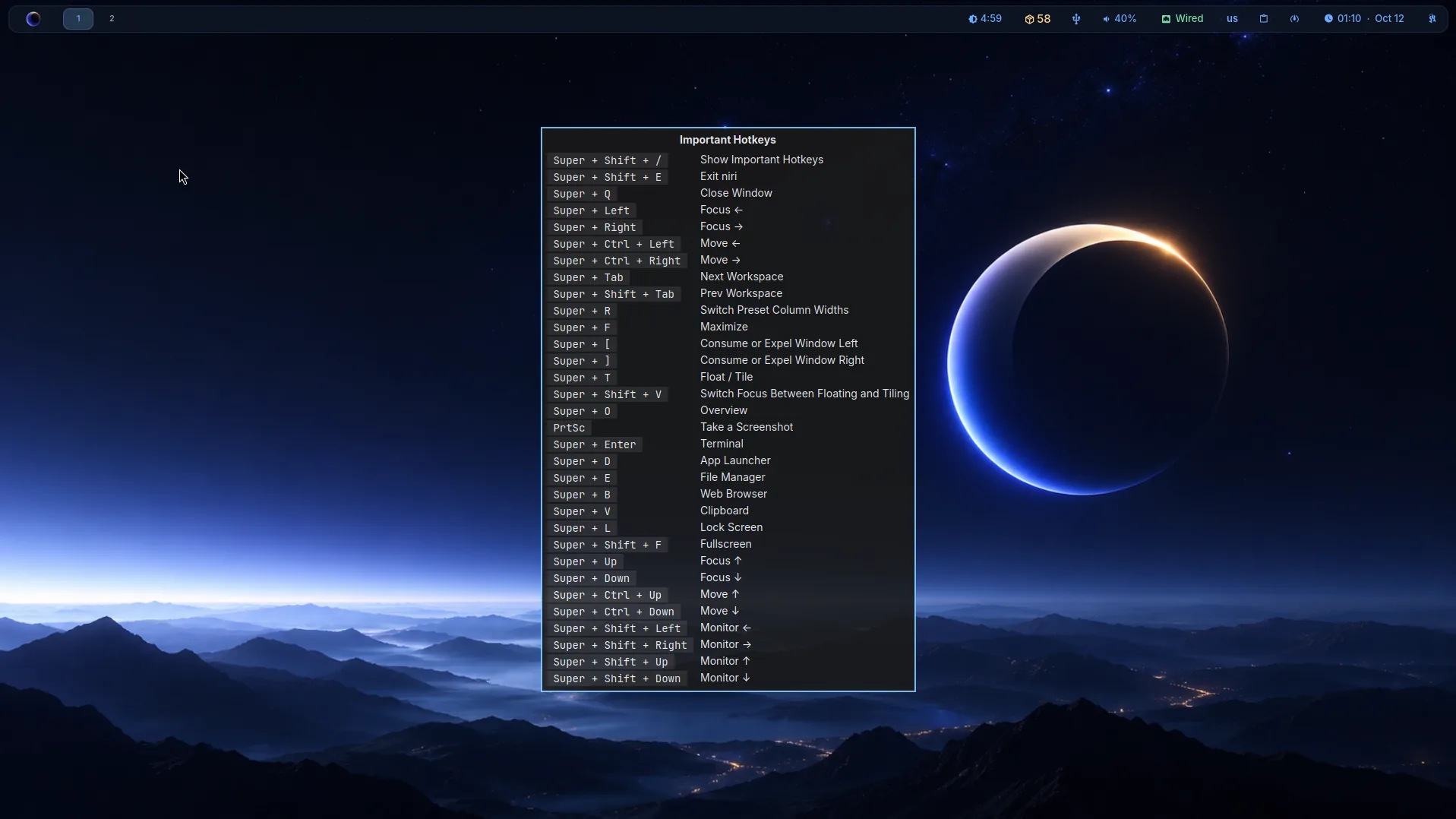
Scrollable-tiling Wayland compositor. Windows flow in a continuous strip — no overlapping, no clutter. Navigate with momentum.
Built on Ubuntu 26.10, with 26.04 LTS still available. Rock-solid base, broad hardware support, and a familiar APT package ecosystem underneath it all.
Every app runs on Wayland — Qt6, GTK, Electron, Firefox. XWayland is available as a fallback, but rarely needed.
Void Navy backgrounds, Aurora Blue accents, soft glows. A theme system applied consistently across every surface.
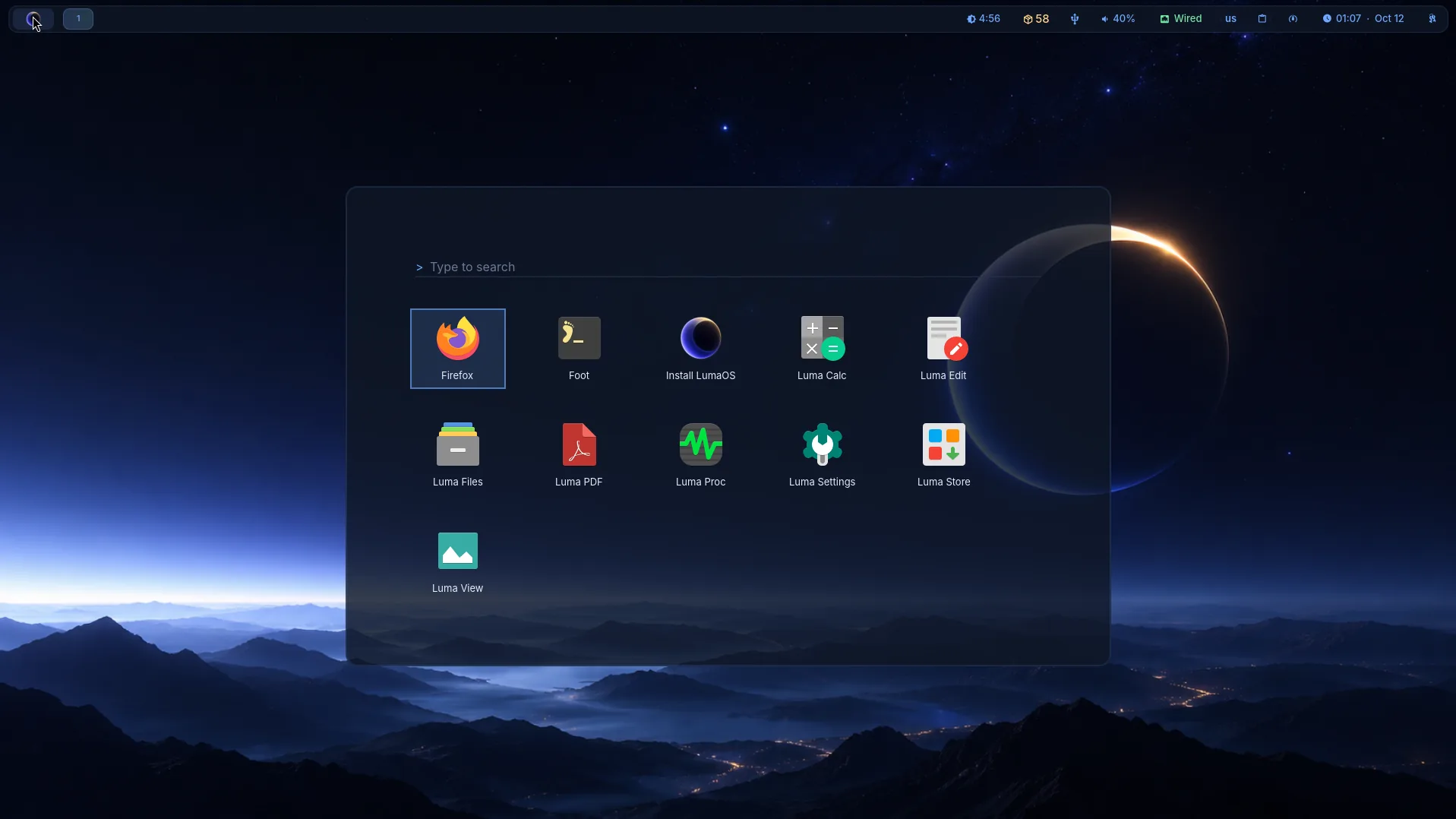
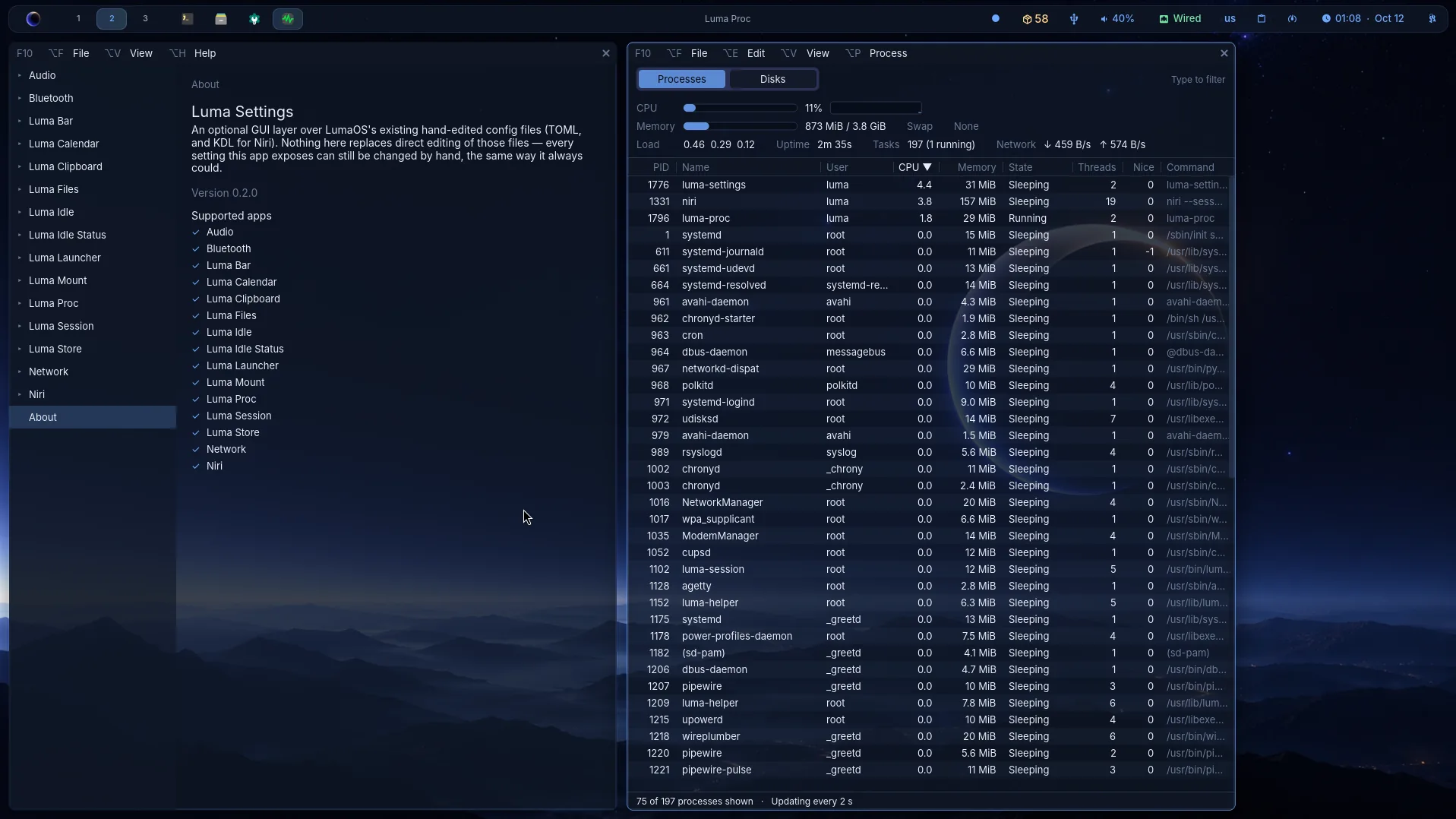
luma-bar, luma-launcher, foot, Mako — every tool handpicked and themed to match. KDE's Union style handles Qt theming; GTK follows the same tokens.
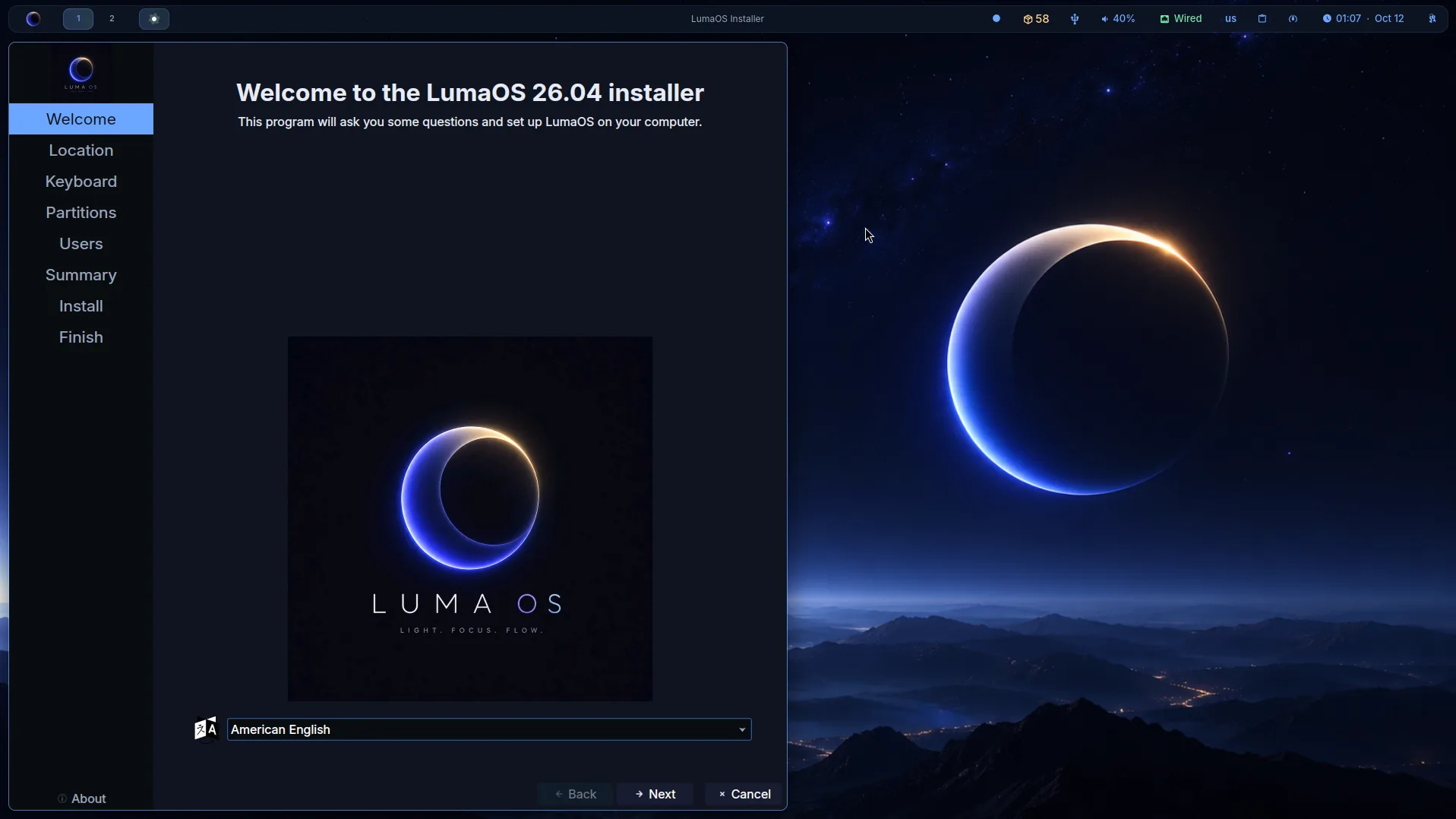
Ships with Calamares. Boot the live ISO, click through the installer, and have a fully configured system in minutes.
| Role | Component |
|---|---|
| Base | Ubuntu Stonking (26.10) or Resolute (26.04 LTS, frozen) |
| Compositor | Niri (scrollable-tiling Wayland) |
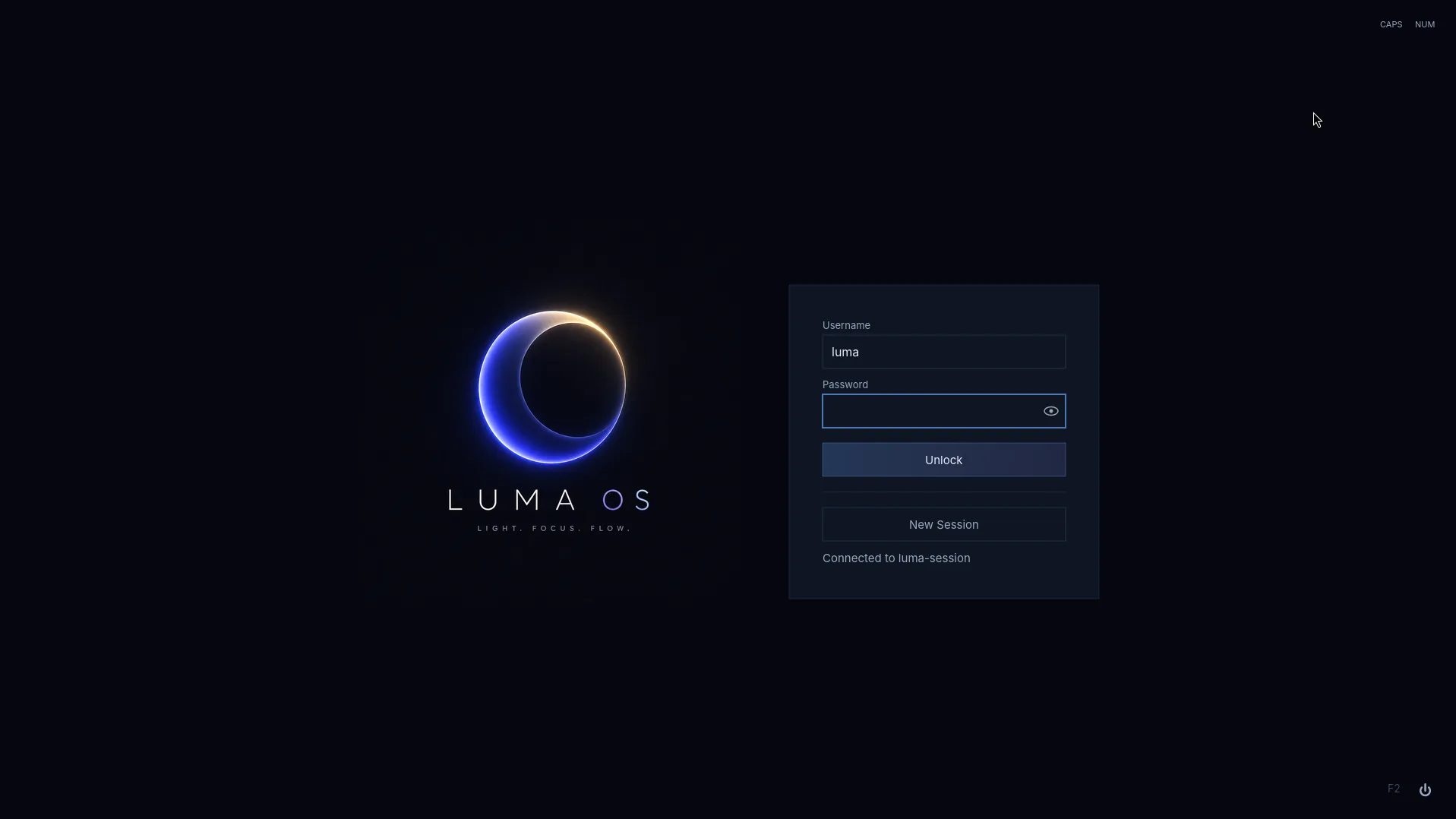
| Display manager | luma-session |
| Status bar | luma-bar |
| App launcher | luma-launcher |
| Terminal | foot |
| Apps | Luma Files, Edit, View, PDF, Calc, Proc, Settings |
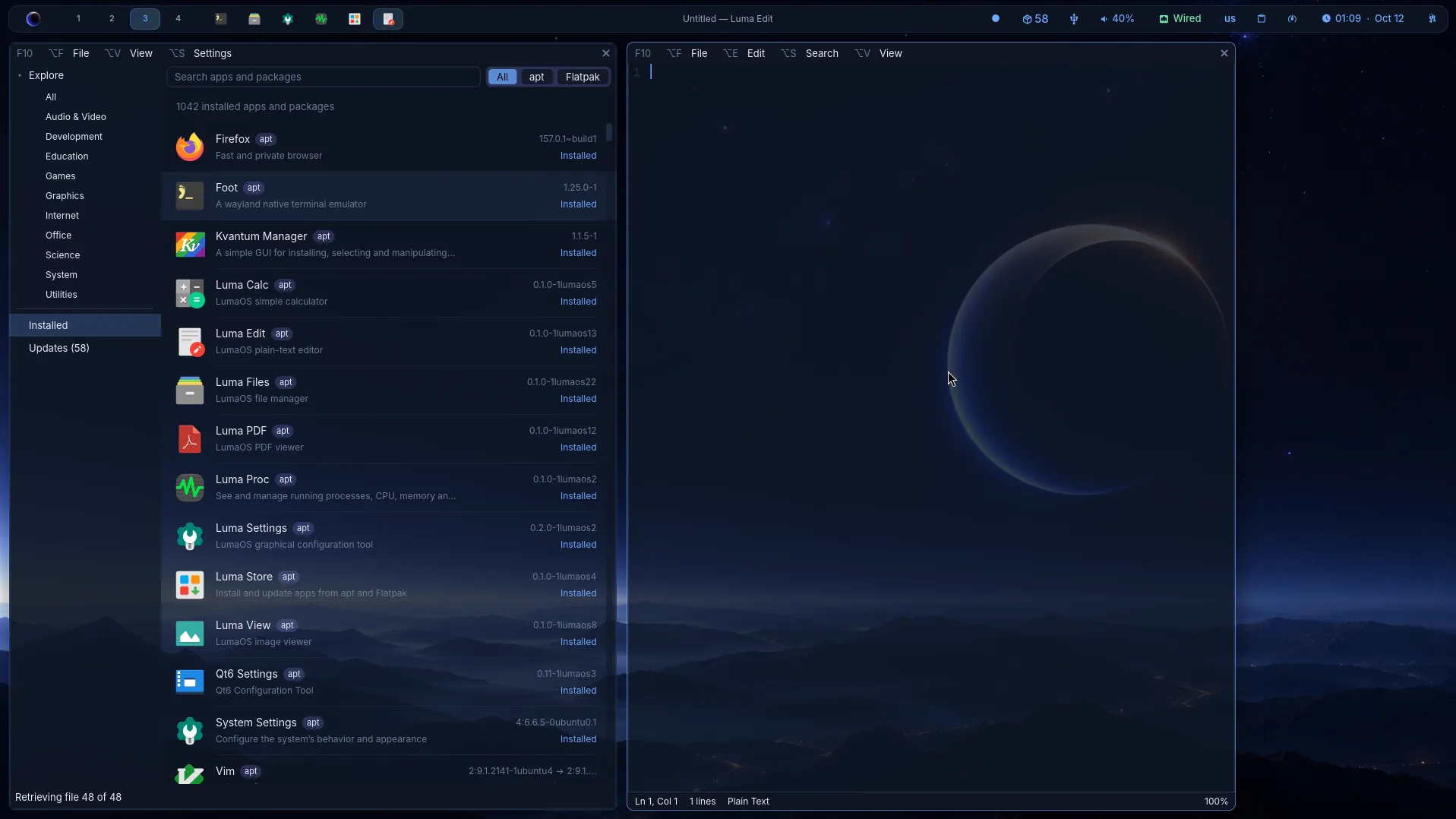
| App store | Luma Store (APT + Flatpak) |
| Notifications | Mako |
| Audio | PipeWire + WirePlumber |
| Network | NetworkManager |
| Installer | Calamares |
Keyboard shortcuts, configuration, and everything you need to get started.
Loading documentation…
Verify with sha256sum -c lumaos-VERSION.iso.sha256 after downloading.
Flash to USB with dd if=lumaos-VERSION.iso of=/dev/sdX bs=4M status=progress
or Balena Etcher.
26.04 can't be upgraded to 26.10 in place: back up your home folder and reinstall.
The short answers to the questions people ask most.
LumaOS is a personal Linux distribution, built first to match its creator's own workflow and needs, and shared publicly for anyone who finds that workflow appealing. It's a Wayland-first distro built around the Niri scrollable-tiling compositor, on top of an Ubuntu base.
LumaOS started after falling in love with scrollable-tiling window management. Once that workflow clicked, going back felt like a step down — but no polished, ready-to-install distro shipped a scrolling compositor as its default experience. LumaOS is the distro that fills that gap.
LumaOS comes from the initials of its creator: Luciano Magri, plus OS. The deep-space, glow-accented theme grew naturally out of that name.
Primarily scrollable-tiling and Wayland enthusiasts who want that workflow out of the box, without assembling it themselves. It's built on a solid, familiar foundation, so anyone who likes the workflow can extend it to fit their own needs.
Yes. As of the 26.04-3 release, LumaOS is considered stable for daily driving.
26.10 is the current release and the one that gets LumaOS's updates and new features. 26.04 LTS is frozen: Ubuntu keeps updating its base, but LumaOS's own packages stay as they are. Pick 26.04 only if you need an LTS base. Moving from 26.04 to 26.10 later means reinstalling, since an in-place upgrade isn't supported.
Ubuntu provides solid defaults: broad hardware support, a mature APT package ecosystem, and a well-tested base to build a curated desktop stack on top of.
Scrollable tiling — windows flowing in a continuous strip instead of splitting into grids — is a fundamentally different, and better, way to manage windows. Niri implements that model natively on Wayland, which made it the obvious foundation to build the rest of the desktop around.
Yes, LumaOS is Wayland end to end — there's no X11 desktop session. The greeter (luma-session) automatically detects any other Wayland compositors or desktop environments you install and lists them as login options, but X11-only sessions won't show up as something you can log into.
LumaOS is built from a lightweight stack (Niri, luma-bar, luma-launcher, foot, Mako), so requirements are modest:
LumaOS ships Luma Store, its own app store for
both APT packages and Flatpak apps (Snap and AppImage can be
turned on too). It checks for updates in the background and
shows them right on the panel. The terminal works as you'd
expect from an Ubuntu-based system — the same
apt update / apt upgrade workflow.
Yes. LumaOS and its component packages are open source, licensed under the GNU General Public License v2 (GPL-2.0).
Yes. LumaOS's first-party packages are developed with AI-assisted coding tools alongside human design and review. Because of that, individual modules are still being tested and hardened rather than treated as finished on day one — bug reports from real-world use are especially welcome.
Bug reports and contributions are welcome on GitLab. Open an issue on the relevant project's repository.